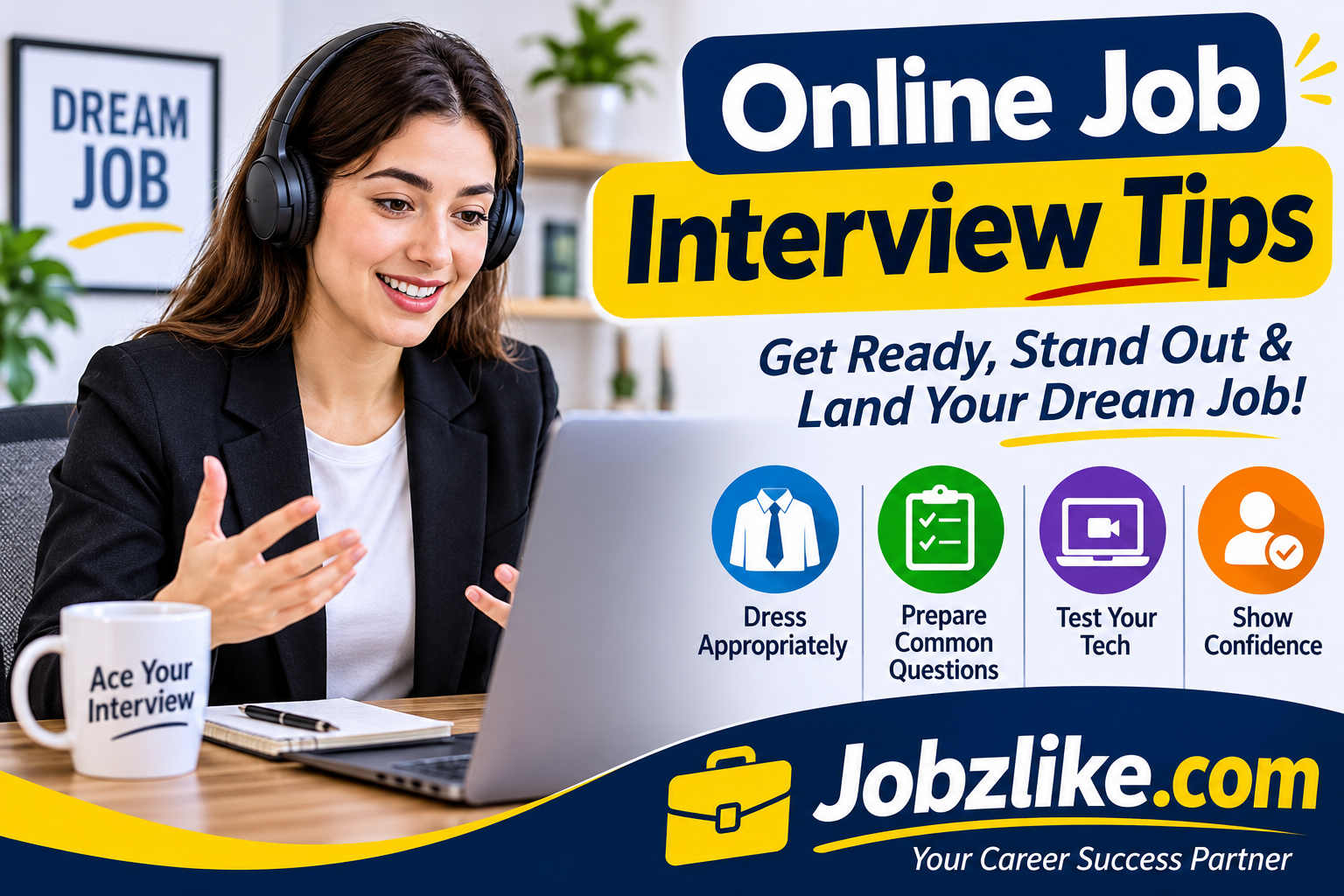
An online job interview gives employers an opportunity to assess your communication, experience and professional attitude without meeting you in person. For candidates, this format can save travel time and make interviews accessible from different cities or countries. However, success depends on more than answering questions correctly. Your internet connection, camera position, microphone quality, room setup and understanding of digital interview etiquette all influence the impression you create. A delayed response caused by a weak connection, distracting background noise or an unprofessional display name can interrupt an otherwise strong conversation. Preparing your devices and testing the interview platform in advance helps prevent avoidable problems and allows you to concentrate on the discussion.
You should also understand how to enter the meeting, communicate when technical difficulties occur, share documents safely and behave respectfully on camera. Whether you are applying for your first position, changing careers or pursuing a remote role, a thoughtful preparation routine can make the experience smoother. This guide explains practical online job interview tips, from choosing suitable equipment to managing difficult technical moments. Use the advice to build a reliable digital setup, communicate clearly and present yourself as a capable, organised candidate.
Why Virtual Interview Preparation Matters to Employers
Employers use virtual interviews to evaluate both job-related skills and the way candidates handle digital communication. For remote and hybrid positions, your comfort with online tools may also indicate how effectively you can collaborate with colleagues.
- It demonstrates that you can prepare independently and respect scheduled appointments.
- Clear audio and video help interviewers focus on your answers rather than technical distractions.
- A tidy environment communicates attention to detail and professional judgement.
- Knowing the meeting platform shows that you can adapt to common workplace technology.
- Calm responses to unexpected issues can reveal problem-solving and communication skills.
Choose a Quiet and Professional Interview Location
Select a place where you can speak freely without interruptions. A private room is usually better than a busy shared area, café or public workspace. Tell household members about the interview time and silence devices that could create noise.
- Choose a room with a door that can remain closed.
- Keep the background simple, clean and free from distracting movement.
- Place your desk away from televisions, loud appliances and busy walkways.
- Arrange suitable lighting so your face is visible.
- Keep water, a notepad and a pen within reach.
- If privacy is limited, consider a quiet room at a trusted location and test its connection beforehand.
Build a Reliable Internet Connection Before the Meeting
A stable connection is more important than having the most expensive internet package. Video calls need consistent bandwidth and low interruption. Whenever possible, connect your computer directly to the router using an Ethernet cable. If you use Wi-Fi, sit close to the router and avoid large downloads or streaming on the same network.
- Run an internet speed and stability test before interview day.
- Pause cloud backups, software downloads and unnecessary streaming.
- Ask others at home to limit heavy internet use during the interview.
- Keep a mobile hotspot or secondary connection ready if available.
- Know how to rejoin the meeting if your connection drops.
Essential Devices and Accessories for a Smooth Interview
You do not need a studio setup. You need equipment that works consistently and allows the interviewer to see and hear you clearly.
| Device or accessory | What to check | Practical advice |
|---|---|---|
| Laptop or desktop | Camera, sound and software compatibility | Restart it and close unnecessary applications |
| Webcam | Clear image and stable connection | Position it near eye level |
| Microphone or headset | Voice clarity and background-noise control | Test volume and avoid rubbing the microphone |
| Internet router | Stable signal and sufficient data | Stay near the router or use Ethernet |
| Charger | Working cable and power outlet | Keep the device plugged in where practical |
| Phone | Backup access and hotspot capability | Keep it charged and on silent mode |
Set Up Your Camera for Natural Eye Contact
Camera placement affects how engaged you appear. Put the camera at approximately eye level and sit far enough away to show your head and shoulders. Looking directly into the camera while making important points can create a sense of eye contact. It is natural to glance at the screen while listening, but avoid looking down continuously at notes or another device.
- Raise a laptop on a stable stand or a stack of books if the camera is too low.
- Keep your face centred without placing your head at the extreme edge of the frame.
- Clean the camera lens before joining.
- Look toward the camera when delivering key answers.
- Use a stable surface rather than holding the device in your hand.
Lighting and Background Choices That Look Professional
Good lighting makes your expressions easier to read. Face a window or place a soft light in front of you. Avoid a bright window directly behind your head because it can make your face appear dark. Check the camera preview to ensure that the background is neat and that personal information is not visible.
- Use natural light from the front or side when possible.
- Avoid harsh overhead lighting that creates strong shadows.
- Remove clutter, laundry and unrelated items from the camera frame.
- Use a neutral virtual background only if it works smoothly and does not distort your outline.
- Do not choose animated or humorous backgrounds for a formal interview.
Compare Common Devices for Joining a Virtual Interview
| Device | Advantages | Limitations | Best use |
|---|---|---|---|
| Laptop | Built-in camera, keyboard and larger screen | Camera and microphone quality varies | Best general option for most interviews |
| Desktop computer | Stable workspace and upgradeable accessories | May require a separate webcam and microphone | Home office interviews |
| Tablet | Portable and simple to position | Multitasking and document handling may be less convenient | Backup when tested in advance |
| Smartphone | Useful emergency alternative | Small screen, notifications and unstable hand placement | Backup access if the main device fails |
Install and Test the Interview Platform Early
Employers may use Zoom, Microsoft Teams, Google Meet, Skype or a specialist recruitment platform. Read the invitation carefully to identify whether you need an application, browser permission or account. Install updates before interview day rather than minutes before the meeting.
- Open the meeting link in advance if the organiser permits it.
- Check that the camera and microphone permissions are enabled.
- Learn how to mute, unmute, turn the camera on and share your screen.
- Update the application and restart the device after installation.
- Confirm whether the meeting requires a passcode or waiting-room approval.
Professional Appearance and Clothing on Camera
Dress as you would for a comparable in-person interview. The exact level of formality depends on the employer, industry and position, but clean, well-fitting clothing is a safe choice. Wear the complete outfit rather than dressing formally only above the desk; you may need to stand or adjust your camera unexpectedly.
| Interview setting | Suitable clothing approach | What to avoid |
|---|---|---|
| Corporate or government role | Formal shirt, suit or other traditional business attire | Wrinkled clothing or overly casual prints |
| Technology or office role | Smart business-casual clothing | Distracting graphics and noisy accessories |
| Creative position | Neat clothing that reflects the workplace culture | Outfits that compete with your communication |
| Customer-facing role | Polished, approachable and professional attire | Clothing that appears untidy on camera |
Prepare Your CV, Portfolio and Supporting Documents
Keep relevant documents organised so you can refer to them quickly if requested. Use clear file names and save copies in an accessible folder on your device. If you are asked to share your screen, close private messages, unrelated tabs and confidential files first.
- Keep an updated CV or resume available as a PDF.
- Prepare a portfolio or work samples relevant to the position.
- Have the job description and employer details nearby.
- Keep certificates or references ready only if the employer requests them.
- Check that shared documents do not reveal passwords, private records or unrelated personal information.
Research the Employer and Understand the Job Description
Technical readiness cannot replace interview preparation. Research the organisation’s services, products, customers and recent developments using reliable sources. Read the job description carefully and connect its requirements to examples from your experience, education or projects.
| Preparation area | Questions to consider | Evidence to prepare |
|---|---|---|
| Organisation | What does it do and who does it serve? | Two relevant facts about its work |
| Role requirements | Which skills appear most important? | Examples that demonstrate those skills |
| Work history | What achievements relate to this position? | Clear results and responsibilities |
| Career motivation | Why do you want this role? | A specific, honest explanation |
Practise Answers Without Sounding Memorised
Prepare for common questions, but do not memorise long scripts. Practise explaining your experience in a natural voice. For questions about achievements or challenges, use the STAR approach: describe the situation, task, action and result. Keep answers focused and provide enough detail to show your contribution.
- Prepare a concise introduction about your background.
- Practise explaining why you are interested in the position.
- Choose examples that show teamwork, problem-solving and initiative.
- Prepare an honest response about a skill you are developing.
- Record a practice answer to review your pace, clarity and body language.
Online Interview Etiquette From Joining to Signing Off
Digital manners are part of professional communication. Join a few minutes early, use your real name and wait politely if the interviewer has not admitted you. Keep your microphone muted when you are not speaking in a group interview, but respond promptly when invited. Avoid interrupting, typing loudly or checking your phone while someone else is talking.
- Join around five to ten minutes before the scheduled time.
- Greet the interviewer politely and confirm that your audio is working.
- Listen fully before answering and allow a brief pause when needed.
- Speak clearly at a steady pace and avoid talking over others.
- Thank the interviewer and confirm any next steps before leaving.
Manage Screen Sharing, Chat and Digital Documents Carefully
Screen sharing can help you explain a project, show a portfolio or complete a practical task. Before sharing, open only the file or window you intend to display. Turn off pop-up notifications and avoid exposing private messages. Use the meeting chat for relevant information, such as a requested link, rather than sending unrelated comments.
- Choose a specific window instead of sharing your entire desktop when possible.
- Close personal email, messaging apps and unrelated browser tabs.
- Check links and file permissions before sending them.
- Do not record, photograph or distribute an interview without permission.
- Stop sharing as soon as the demonstration is complete.
Technical Problems and How to Respond Calmly
Even careful preparation cannot eliminate every technical problem. If something goes wrong, stay composed and communicate clearly. Briefly explain the issue, try the simplest solution and use the backup method agreed in the invitation or with the recruiter.
| Problem | Immediate response | Backup plan |
|---|---|---|
| Audio is not working | Check mute settings and selected microphone | Reconnect or use a headset or phone |
| Video freezes | Close unnecessary apps and check the connection | Turn video off briefly and explain |
| Internet disconnects | Reconnect to the meeting | Use a hotspot and message the recruiter |
| Application crashes | Reopen the meeting link | Join through a supported browser or backup device |
| Unexpected noise | Mute briefly and address the interruption | Move to a quieter room if necessary |
Body Language and Clear Communication Through a Screen
Interviewers cannot observe your full presence as they might in a meeting room, so make your communication easy to follow. Sit upright, keep a relaxed expression and use natural gestures within the camera frame. Avoid exaggerated movement or reading every answer from a prepared page.
- Speak at a moderate pace and pronounce words clearly.
- Use short pauses to organise your thoughts.
- Show that you are listening through attentive posture and appropriate facial expressions.
- Keep notes brief and glance at them only when necessary.
- Ask for a question to be repeated if the audio was unclear.
Questions to Ask Before the Virtual Interview Ends
Thoughtful questions show that you are considering the role seriously. Prepare two or three questions and choose those that have not already been answered during the conversation.
- What would success look like in the first three months?
- How does the team communicate and collaborate remotely?
- What are the main priorities or challenges for this position?
- What are the next stages of the recruitment process?
- Is there anything about my experience that you would like me to clarify?
Online Interview Mistakes That Can Weaken Your Impression
Small mistakes can distract from your qualifications. Most are preventable with a short checklist and a practice call. Avoid trying to solve several technical problems while the interviewer is waiting; communicate first and then take practical steps.
- Joining late because you waited until the last minute to install software.
- Using an unprofessional screen name or an inappropriate profile photo.
- Leaving notifications, calls or unrelated applications active.
- Looking away repeatedly to read full answers from another screen.
- Interrupting the interviewer because of audio delay.
- Eating, chewing gum or handling noisy objects during the discussion.
- Sharing your screen without checking which window is visible.
- Failing to follow up when the recruiter has provided a clear next step.
A Practical Checklist for the Day Before and Interview Day
A checklist reduces last-minute pressure and helps you focus on the conversation. Complete the technical checks the day before, then do a shorter review shortly before joining.
| When | Task | Ready |
|---|---|---|
| Day before | Confirm date, time, time zone and meeting link | Check |
| Day before | Test camera, microphone, speakers and internet | Check |
| Day before | Review the employer, job description and CV | Check |
| One hour before | Charge device and connect power if needed | Check |
| Fifteen minutes before | Prepare room, lighting, water and documents | Check |
| Five to ten minutes before | Open the meeting link and check your display name | Check |
| After the interview | Write down key points and send a brief thank-you message if appropriate | Check |
Follow Up Professionally After the Online Meeting
A concise follow-up message can reinforce your interest and provide an opportunity to thank the interviewer. Send it within a reasonable period, usually the same day or the next business day. Mention the role, appreciate the interviewer’s time and refer briefly to a relevant part of the discussion. Avoid repeated messages asking for an immediate decision. If the recruiter gave a timeline, respect it before requesting an update.
- Use a clear subject line that identifies the position.
- Thank the interviewer for the conversation.
- Reaffirm your interest in the role.
- Include any material the interviewer specifically requested.
- Keep the message brief, polite and free from spelling errors.
Conclusion: Turn Digital Preparation Into Interview Confidence
Online job interviews are an important part of modern recruitment, and effective preparation can help you approach them with confidence. A quiet location, stable internet connection, tested devices and professional camera setup create the foundation for a smooth conversation. Equally important are your knowledge of the employer, clear examples of your skills and respectful digital etiquette. Prepare your documents, practise likely questions and learn the basic features of the meeting platform before the scheduled time. If technical difficulties occur, communicate calmly and use a backup plan instead of allowing frustration to affect your performance. Remember that the purpose of an online interview is still to build a professional connection and show why you are suitable for the position. Technology supports that conversation; it does not replace your experience, attitude or ability to explain your value. Review the checklist in this guide before your next meeting, make adjustments based on the role and treat every virtual interview as an opportunity to demonstrate readiness for the workplace.